Documentation for creating Manual Annotations in Resume using GATE tool - Part 2
Objective
This documentation is about how to create manual annotations in GATE tool.
Installation
Please refer following link for GATE tool installation guide lines. Click Here
How to do Annotations in GATE
-
Open GATE application from installation folder.
-
After opening, we will able to see two sections in GATE interface window.
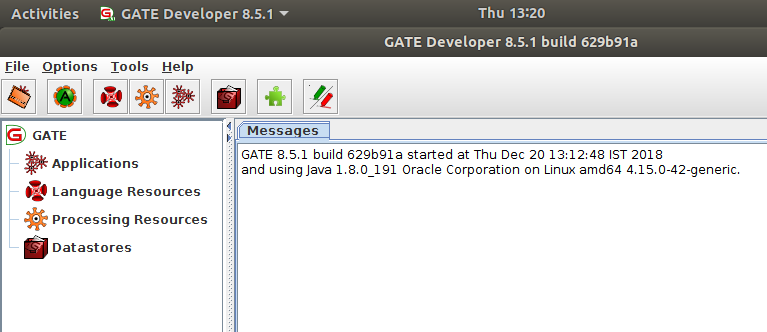
-
Under left side tree section, we will able to see language resources sub section.
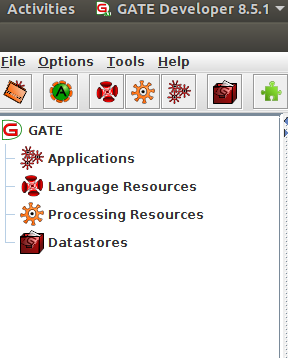
-
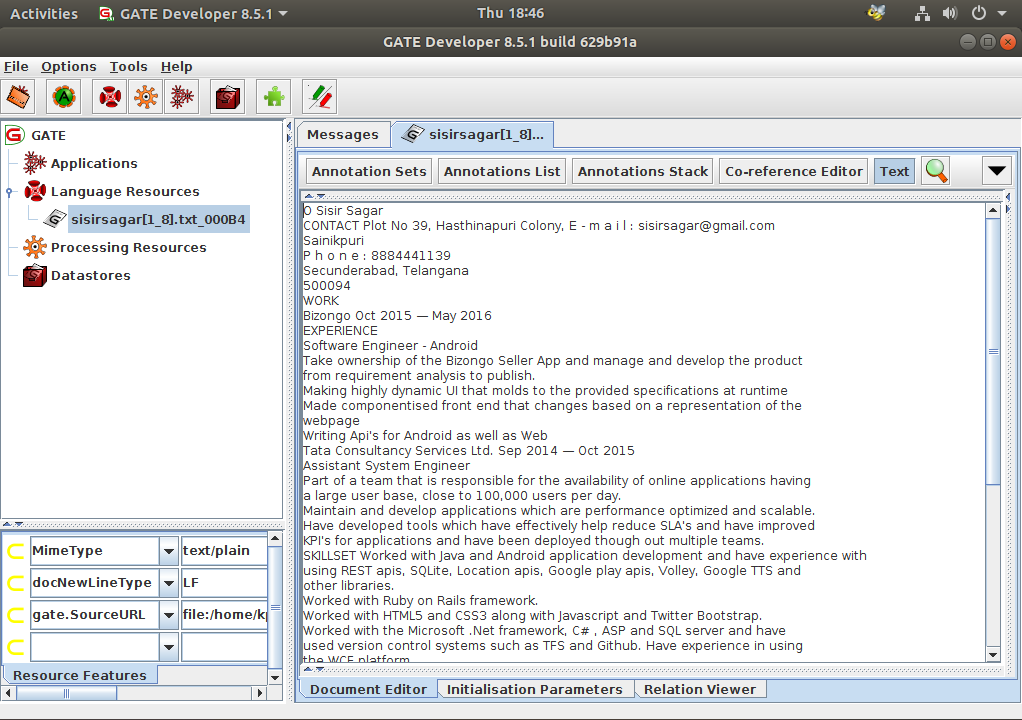
Right click on this, and select Gate Document option then load target resume from your system folder.
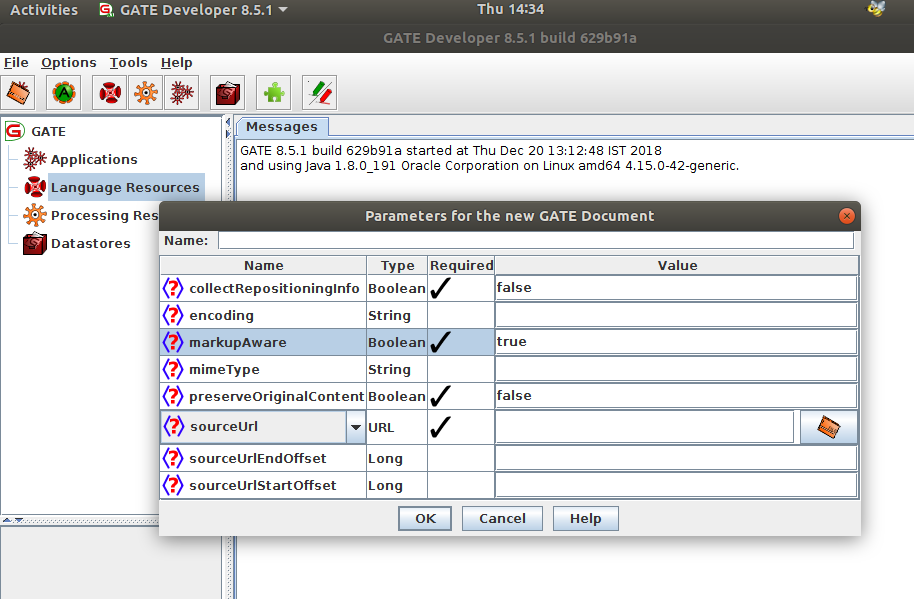
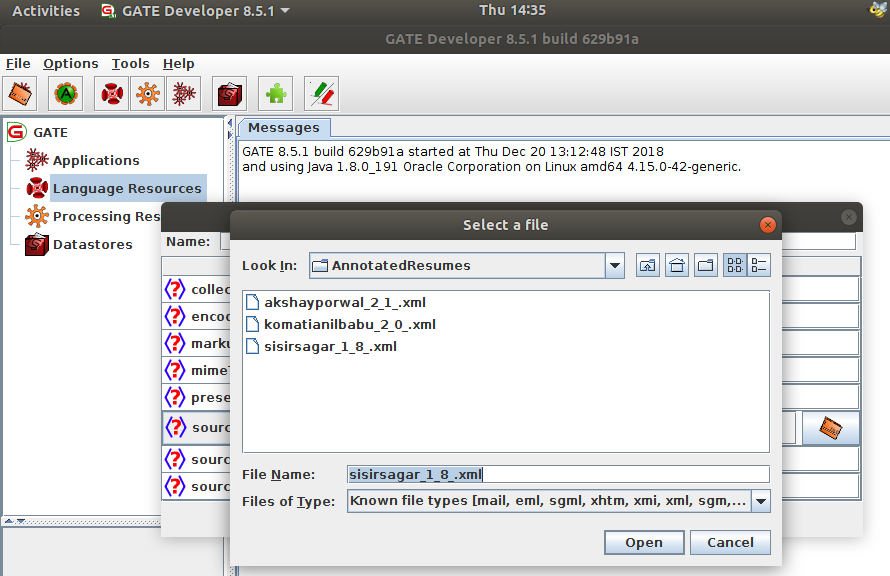
-
It will load the document under Language resources section, then double click on document, now we able to see document on right side in GATE.
-
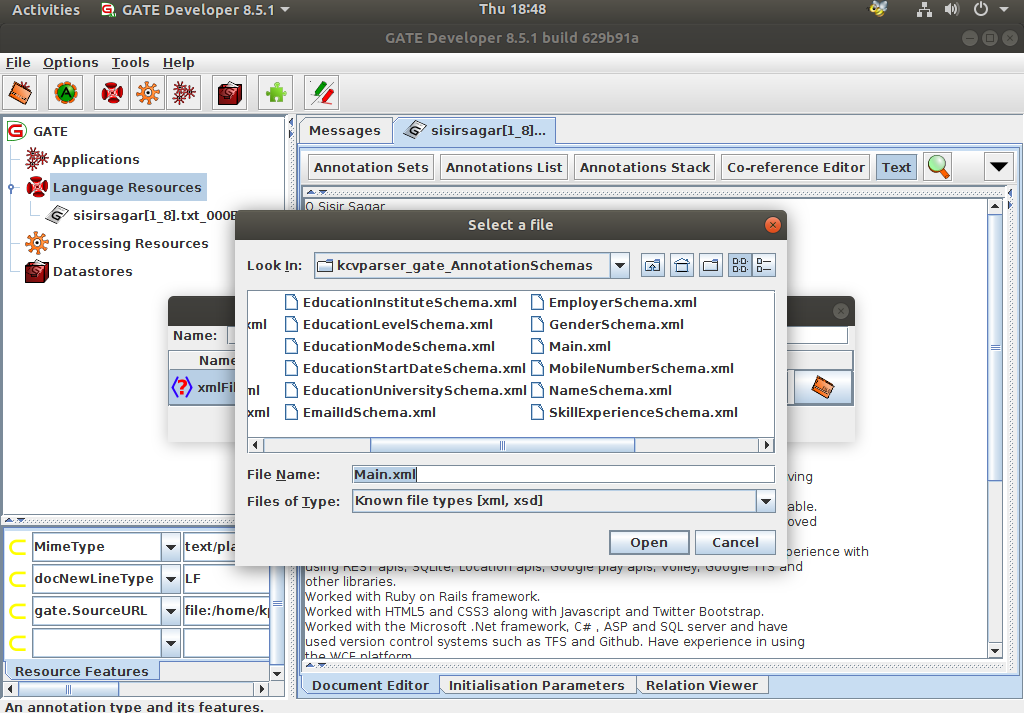
Right click on language resources tab and select annotation schema option, then load schema from your system folder (KPAI TASK).
-
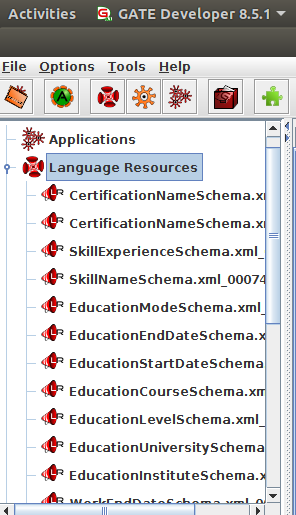
It will load all the schemas contained in the folder under language resource section (KPAI TASK).
-
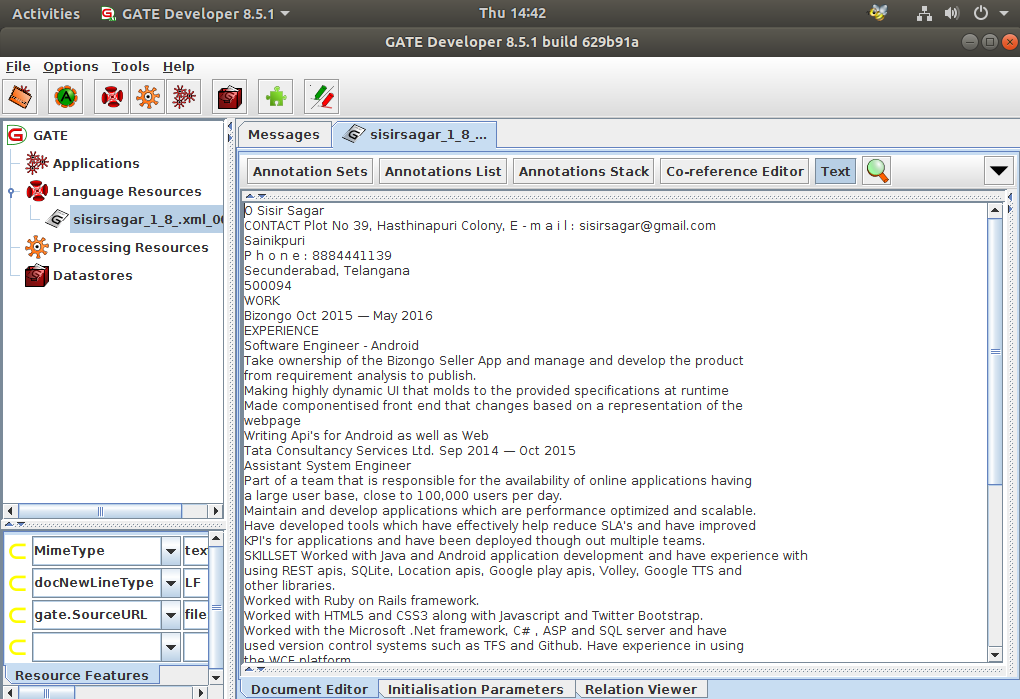
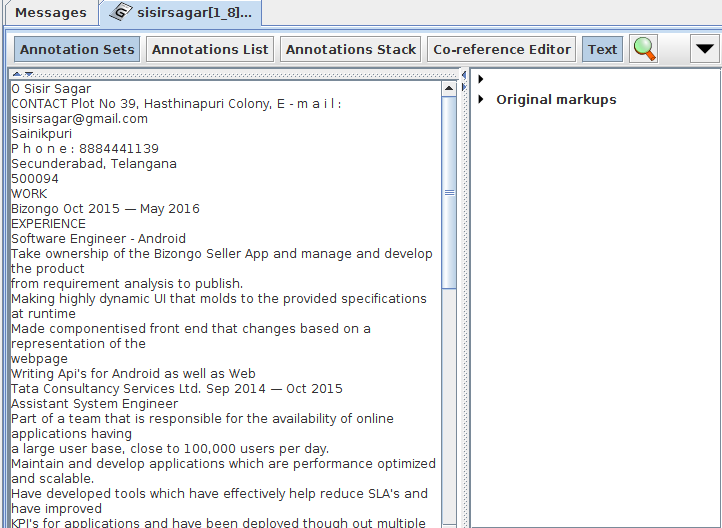
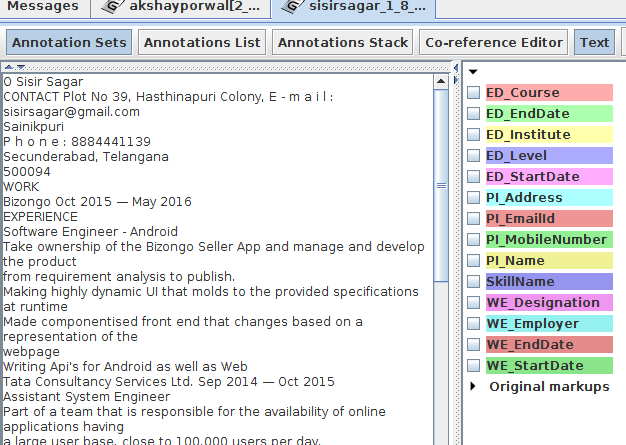
On top of this document you will find some buttons like Annotations Set, Annotation List etc..
-
Click on Annotation Set, then you will able to see annotation set section on right side.
-
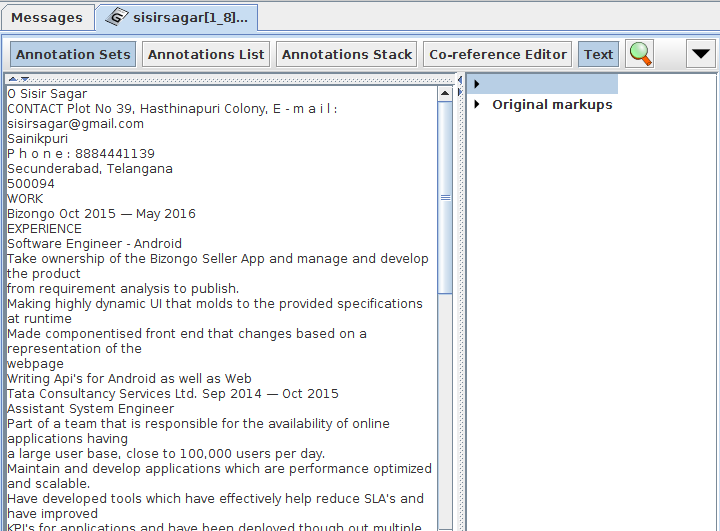
Click on arrow mark which has nothing written infront of it(Default Set).
-
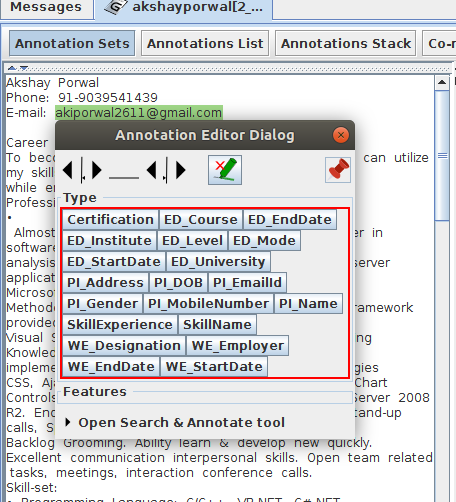
Now select required text in the document, GATE will show annotation pop up automaticaaly after selecting the text, there you will find target annotation types.
-
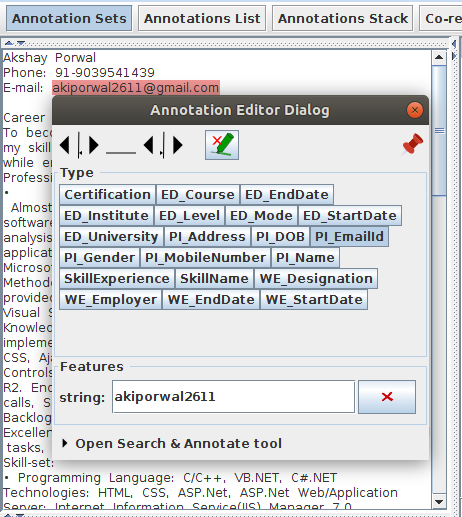
Click on target annotation type and fill if any features data required from document and close the popup .
-
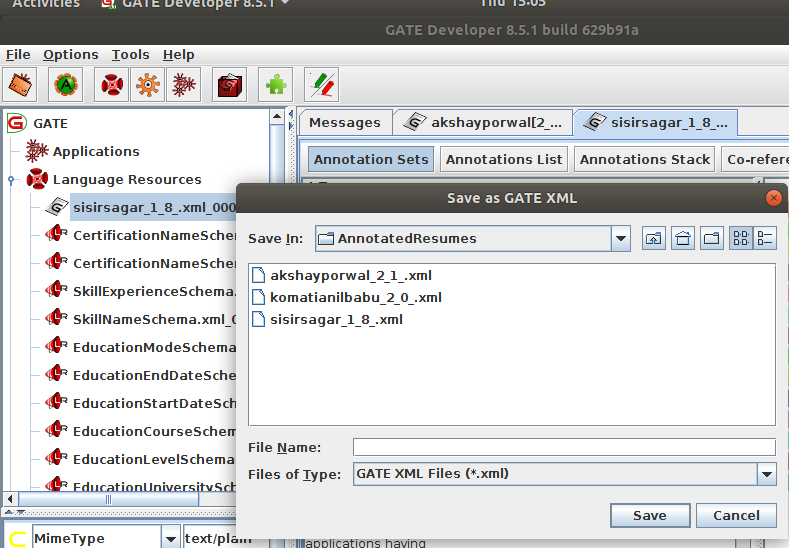
After completing all required annotations in document, right click on document and save it to Gate XML format in another folder.
Note: Please let me know any information required on above tasks.
Thank You
Krishna Reddy